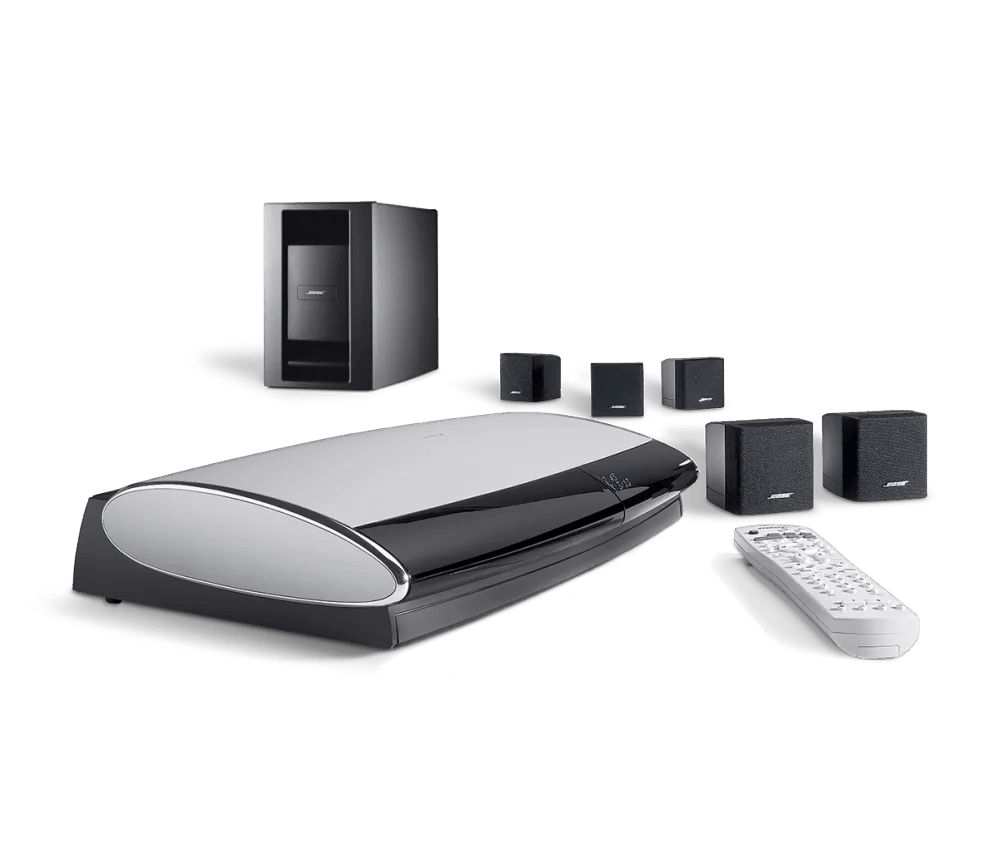
Produkt zurücksetzen | Lifestyle® 18 Series III DVD home entertainment system
lifestyle®-18-series-iii-dvd-home-entertainment-system
Lifestyle® 18 Series III DVD home entertainment systemVerkauft von 2006 - 2009

Produkt zurücksetzen | Lifestyle® 18 Series III DVD home entertainment system

Möchten Sie Ihr Produkt RESETen oder die Werkseinstellungen wiederherstellen?

Zurücksetzen

Reset your Lifestyle System by following these steps:

  1. Turn the system off. Wait 30 seconds
  2. Unplug the media center power cord from the power outlet
  3. Unplug the audio input cable from the media center
    Note: If a VS-1 or VS-2 video enhancer is connected, disconnect its power cord as well
  4. Unplug the Acoustimass module power cord from the power outlet
  5. Unplug the audio input cable from the Acoustimass module. Wait 30 seconds.
  6. Reconnect the audio input cable to the Acoustimass module
  7. Reconnect the audio input cable to the media center
  8. Reconnect the Acoustimass module power cord
  9. Reconnect the media center power cord
    Note: If a VS-1 or VS-2 video enhancer is connected, disconnect its power cord as well
  10. Wait for the words "Bose Lifestyle" to appear and disappear from the display before turning the system back on

Reset your media center by following these steps:

  1. Turn the media center off and wait 30 seconds
  2. Unplug the media center power cord from the power outlet
    Note: If a VS-1 or VS-2 video enhancer is connected, disconnect its power cord
  3. After 30 seconds, reconnect the power cord
  4. Wait for the words "Bose Lifestyle" to appear and disappear from the display
Werkeinstellungen wiederherstellen

To restore the factory default settings:

  1. On the remote control, press the System button. (Tip: If the system menu does not appear on your TV, be sure the correct TV input is selected)
  2. Scroll right to select Media Center, then press the Enter button
  3. Scroll down to select Restore Settings, then press the Enter button
  4. Scroll up to select Yes, then press the Enter button: The display shows Have you been instructed to do this?
  5. Scroll left to select Yes, then press the Enter button
  6. Press the Exit button to exit the menu.

Führen Sie die folgenden Schritte aus, um die Benutzerparameter zurückzusetzen:

  1. Schalten Sie das System aus. Warten Sie, bis „Saving your music information“ nicht mehr auf dem Display angezeigt wird.
  2. Trennen Sie das Netzkabel des Media Centers von der Steckdose.
  3. Halten Sie die Tasten „Open/Close„ und „Store“ am Media Center gedrückt.
  4. Während Sie diese Tasten gedrückt halten, stecken Sie das Netzkabel wieder in die Steckdose.
  5. Halten Sie die Tasten so lange gedrückt, bis „BOSE LIFESTYLE“ nicht mehr auf dem Display des Media Centers angezeigt wird.
  6. Drücken und halten Sie bei ausgeschaltetem System die „Enter“-Taste.
  7. Drücken Sie die „Store„-Taste, bis „Flash Commit“ auf dem Display des Media Centers erscheint.
  8. Lassen Sie die „Enter“-Taste los.
  9. Drücken Sie die „Volume Up“-Taste.
Das Media Center wird erneut zurückgesetzt und zeigt „BOSE LIFESTYLE“ auf dem Display an. Diese Meldung sollte nach etwa 5 Sekunden verschwinden, und das Media Center sollte normal funktionieren.

Hinweis: Wenn das TV-Videoformat auf PAL eingestellt ist, wird es möglicherweise auf NTSC zurückgesetzt. Nach dem Zurücksetzen muss es wieder auf PAL umgestellt werden. Weitere Informationen finden Sie unter. TV-Videoformat ändern