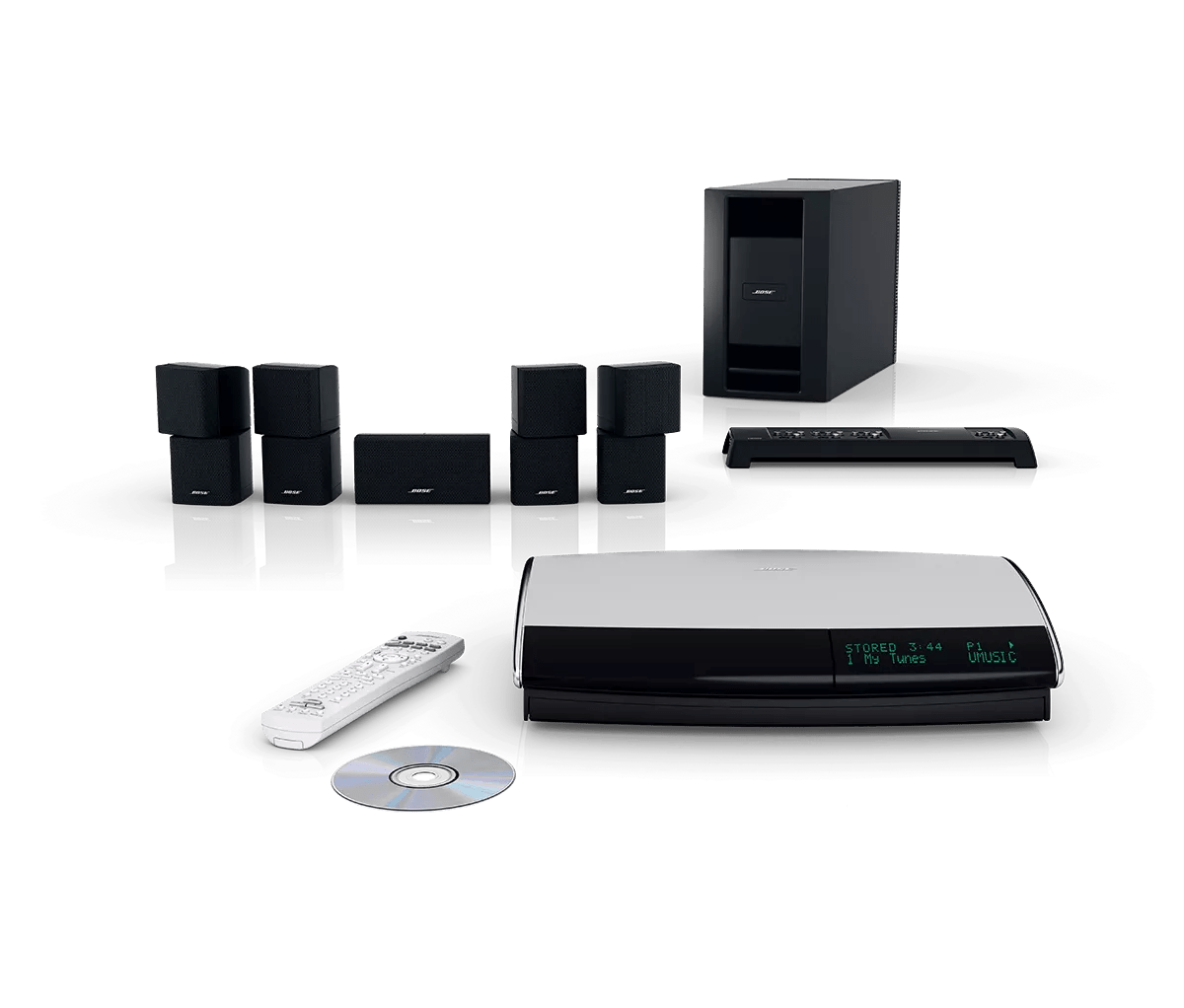
Versuchen Sie, die Fernbedienung zu verwenden, während Sie sich in der Nähe der Systemkonsole befinden.
Die Fernbedienung funktioniert in der Regel innerhalb von 65 Fuß (20 Meter) von der Systemkonsole entfernt. Wenn die Fernbedienung nur funktioniert, wenn sie sich in der Nähe der Konsole befindet, siehe
Fernbedienung funktioniert nicht aus der Entfernung.
Determine if "Other Rooms Are On" appears on the display.
- Press the All Off button under front panel door on the media center to be sure all rooms connected to the media center, including the main room, are off
- With the system off, look at the Lifestyle media center display and select FM using the expansion remote. If the message "Other Rooms Are On" appears on the display, the expansion remote is working. Verify the setup of the expansion product(s)
To verify the setup of an expansion product connected without an AL8, see
Expansion set up without an AL8.
Make sure the proper expansion remote is being used.
A remote designed to operate another system will have partial or no functionality when used with the wrong system. Verify that the model number on the back of the remote is compatible. For information on Compatible Bose Expansion Remotes, see Specifications for the media center
Stellen Sie sicher, dass die korrekte Variante der Fernbedienung verwendet wird.
Eine Fernbedienung, die für ein in einer anderen Region verkauftes System entwickelt wurde, funktioniert nicht. Die Modellnummer auf der Rückseite der Fernbedienung (oder im Batteriefach) muss auf -27 enden, um ein Media Center aus Nordamerika zu bedienen, oder auf -40, um ein Media Center außerhalb Nordamerikas zu steuern. Diese Zahlen beziehen sich auf die Frequenz (in Megahertz), über die die Fernbedienung mit dem Media Center kommuniziert.
Be sure the house code on the expansion remote is set properly.
The house code of the expansion room remote control must match that of the main room remote control, otherwise, there will be no remote response. Determine the house code setting of the system and verify that house code setting on the expansion room matches. For more information, see
Changing house code settings
Probieren Sie neue Batterien in der Fernbedienung aus.
Falls die Batterie oder Batterien in Ihrer Fernbedienung schwach oder leer sind, ersetzen Sie diese. Alkalibatterien werden gegenüber wiederaufladbaren Batterien empfohlen, da diese möglicherweise eine niedrigere Spannung abgeben. (Hinweis: Batterietester sind nicht immer zuverlässig, da sie zwar Spannung erkennen, aber möglicherweise nicht anzeigen, ob ausreichend Spannung für die Fernbedienung vorhanden ist.)
Determine if there is an issue with the expansion remote by configuring the main remote as an expansion remote.
- Remove the battery cover on the back of the main room remote (an RC18T or RC38T) and set switch 5 to the up position
- Set the position of switches 6, 7, 8 and 9 to match the Room Code switch settings of the expansion remote
- Press the All Off button under front panel door on the media center to be sure all rooms connected to the media center, including the main room, are off
- With the system off, look at the Lifestyle media center display and select FM using the main remote. The message "Other Rooms Are On" will appear on the top line of the display. If the bottom line correctly reads "-- FM", the expansion remote is defective and needs to be replaced
- Return the position of switches 5, 6, 7, 8 and 9 on the main remote to the down position
- Replace the battery cover
Ihr Media Center benötigt möglicherweise eine Wartung.
Wenn die aufgeführten Schritte Ihr Problem nicht lösen, benötigt Ihr Produkt möglicherweise eine Serviceleistung. Folgen Sie dem untenstehenden Link, um mehr darüber zu erfahren, wie Sie den Service für Ihr Produkt veranlassen können. Je nach Produkt und Region erhalten Sie entweder eine Kontaktnummer oder die Möglichkeit, den Service online zu beantragen.
Klicken Sie hier, um den Service zu veranlassen