Be sure the source can be heard in the main room.
Using the main room remote, select the source that could not be heard through the expansion product. If the source does not play in the main room, refer to the "No audio" troubleshooting within the Audio category for the connected source
Check to see if the issue is confined to the local source.
Connect RCA analog audio cables in addition to all digital audio cable connections.
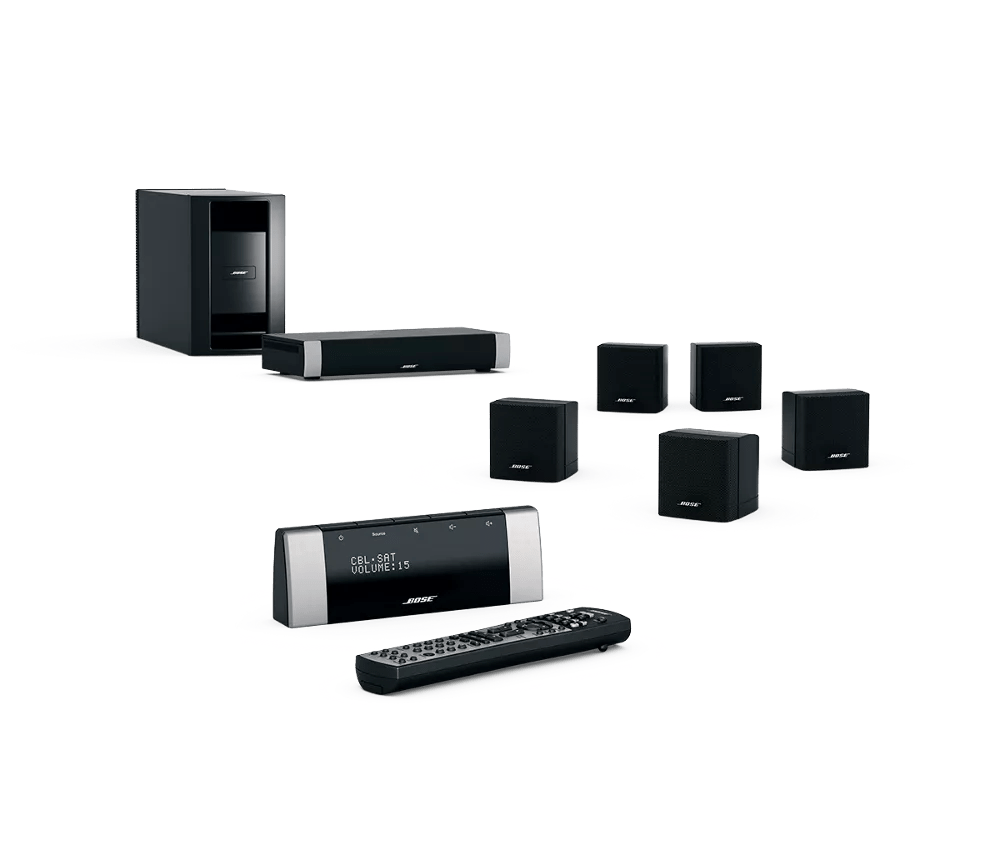
Bose Lifestyle systems can only play one digital source at a time. To ensure all external sources play when selected, any source connected to the system with a digital audio cable should also be connected with a set of RCA analog audio cables
The digital audio signal from an external source will only be heard in the expansion room if the same source is first played in the main room. Once the digital source is initialized in the main room, the main room can be turned off or can switch sources and the expansion room will continue to play the digital source.
However, if the main source selection is changed to another digital source, the expansion room will lose the digital audio signal and revert back to the analog signal. Audio from sources connected via HDMI only may be lost in the expansion room if the main room or TV is turned off, due to loss of the HDMI handshake.
Das MC1-Display-Panel & Die MC1 Media Console muss eventuell gewartet werden.
Wenn die angegebenen Schritte Ihr Problem nicht lösen, benötigen das MC1-Display-Panel oder die MC1 Media Console möglicherweise einen Service. & Folgen Sie dem Link, um weitere Informationen zur Serviceabwicklung für Ihr Produkt zu erhalten. Je nach Produkt und Region erhalten Sie entweder eine Kontaktnummer oder die Möglichkeit, eine Serviceanfrage online zu stellen.
Klicken Sie hier, um den Service zu starten