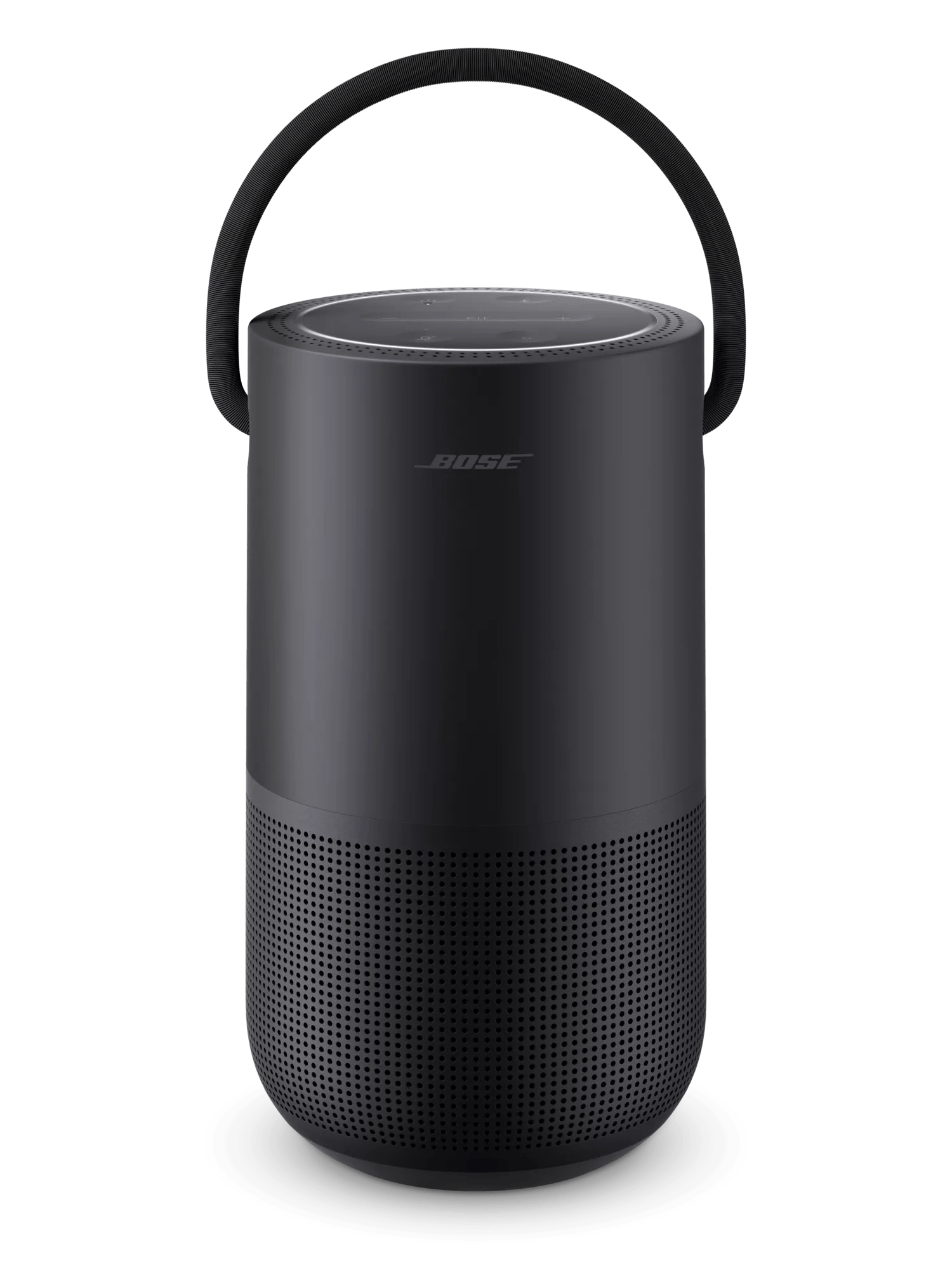
Produkt zurücksetzen | Bose Portable Smart Speaker
bose-portable-smart-speaker
Tragbarer Bose Smart SpeakerVerkauft von 2019

Produkt zurücksetzen | Bose Portable Smart Speaker

Möchten Sie Ihr Produkt zurücksetzen oder auf die Werkseinstellungen zurücksetzen?

  • Zurücksetzen: Ein Zurücksetzen behebt kleinere Prozessorfehler. Sofern nichts anderes angegeben ist, gehen bei einem Zurücksetzen keine Produkteinstellungen verloren.
  • Werkseinstellungen wiederherstellen: Dies setzt Ihr Produkt auf die Werkseinstellungen zurück. Sofern nichts anderes angegeben ist, werden alle Einstellungen gelöscht und auf den ursprünglichen Auslieferungszustand zurückgesetzt. Anschließend kann Ihr Produkt so konfiguriert werden, als ob es zum ersten Mal eingerichtet wird.

Setzen Sie den Lautsprecher zurück.

Halten Sie die Taste Wiedergabe/Pause gedrückt icon  10 Sekunden lang gedrückt. Der Leuchtring pulsiert oben und unten weiß, während der Lautsprecher neu startet und wieder eine Verbindung zu einem Wi-Fi-Netzwerk herstellt.

Haben Sie vor einem Zurücksetzen auf Werkseinstellungen einen Sprachassistenten für Ihr Produkt eingerichtet?

Nein, es wurde kein Sprachassistent hinzugefügt

To restore the factory default settings:

Note: This reset erases all settings and returns your product to its default out-of-box state. Once reset, open the Bose app to reconfigure your product.
  1. Remove the product from your Bose account. For more info, see Removing a product from your Bose account
  2. Connect the speaker to power. If pulsing white lights appear in the light ring, wait for the pulsing to stop before proceeding
  3. Simultaneously press and hold the Bluetooth® and Volume + buttons for ten seconds until the light ring is filled with white light.
    The light ring will blink twice and the speaker will reboot. When complete, two amber lights glows steadily in the light ring indicating the speaker is in setup mode.
Ja, Alexa wurde hinzugefügt

To restore the factory default settings:

Note: This reset erases all settings and returns your product to its default out-of-box state. Once reset, open the Bose app to reconfigure your product.
  1. In the Amazon Alexa app, go to Devices > Echo & Alexa and select your Bose product to view its details
  2. Scroll down and tap Deregister
    Tip: If your product appears more than once, remove all instances of it
  3. If you do not plan to use other Bose product with your Amazon account after the reset, view the installed Skills in the Alexa app and remove the Bose skill
  4. Open the Bose app and remove Alexa from your Bose account. For more info, see Adding or removing the Amazon Alexa voice assistant
  5. Remove the product from your Bose account. For more info, see Removing a product from your Bose account
  6. Connect the speaker to power. If pulsing white lights appear in the light ring, wait for the pulsing to stop before proceeding
  7. Simultaneously press and hold the Bluetooth® and Volume + buttons for ten seconds until the light ring is filled with white light.
    The light ring will blink twice and the speaker will reboot. When complete, two amber lights glow steadily in the light ring indicating the speaker is in setup mode.
Ja, der Google Assistant wurde hinzugefügt.

To restore the factory default settings:

Note: This reset erases all settings and returns your product to its default out-of-box state. Once reset, open the Bose app to reconfigure your product.
  1. Open the Bose app and remove the Google Assistant from your Bose account. For more info, see Adding or removing Google Assistant
  2. Remove the product from your Bose account. For more info, see Removing a product from your Bose account
  3. Connect the speaker to power. If pulsing white lights appear in the light ring, wait for the pulsing to stop before proceeding
  4. Simultaneously press and hold the Bluetooth® and Volume + buttons for ten seconds until the light ring is filled with white light.
    The light ring will blink twice and the speaker will reboot. When complete, two amber lights glows steadily in the light ring indicating the speaker is in setup mode.