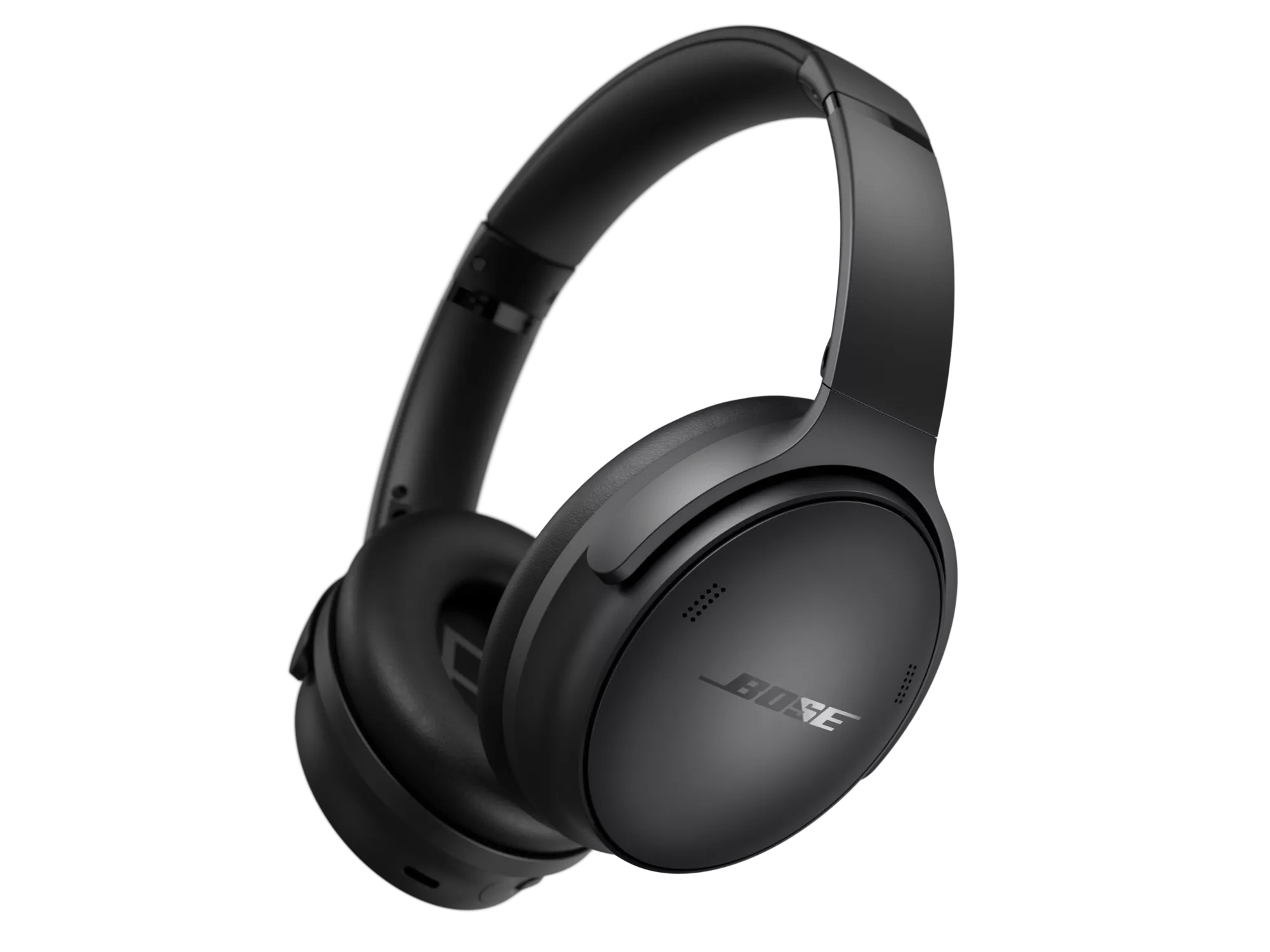
Aufladen Ihrer Kopfhörer | Bose QuietComfort SC Headphones
bose-quietcomfort-sc-headphones
Bose QuietComfort SC KopfhörerVerkauft von 2023

Aufladen Ihrer Kopfhörer | Bose QuietComfort SC Headphones

To charge the battery

  1. Connect the small end of the USB cable into the USB-C port on the right earcup.
  2. Connect the other end into a USB-A power source such as a computer or wall charger. The headphones begin charging, and the status light blinks white for 10 seconds. When the headphones are fully charged, the status light glows solid white.
    NOTE: The headphones don’t play and aren’t available in the Bose app while charging.
 

Charging time

Allow up to 2.5 hours to fully charge the headphones. A full charge powers the headphones for up to 24 hours.


Hearing the battery level

Each time you power on the headphones, a voice prompt announces the battery level. When the headphone battery is low, you hear “Battery low.” To visually check the battery, see the status light located on the right earcup

Über Nacht angeschlossen zu lassen überlädt den Akku nicht.

Lithium-Batterien verfügen über eine integrierte Abschaltautomatik, die sich aktiviert, sobald der Akku vollständig geladen ist, um eine Überladung zu verhindern. Auch wenn das Gerät weiterhin eingesteckt ist, muss der Akkustand unter einen bestimmten Wert fallen, damit der Ladevorgang erneut startet.