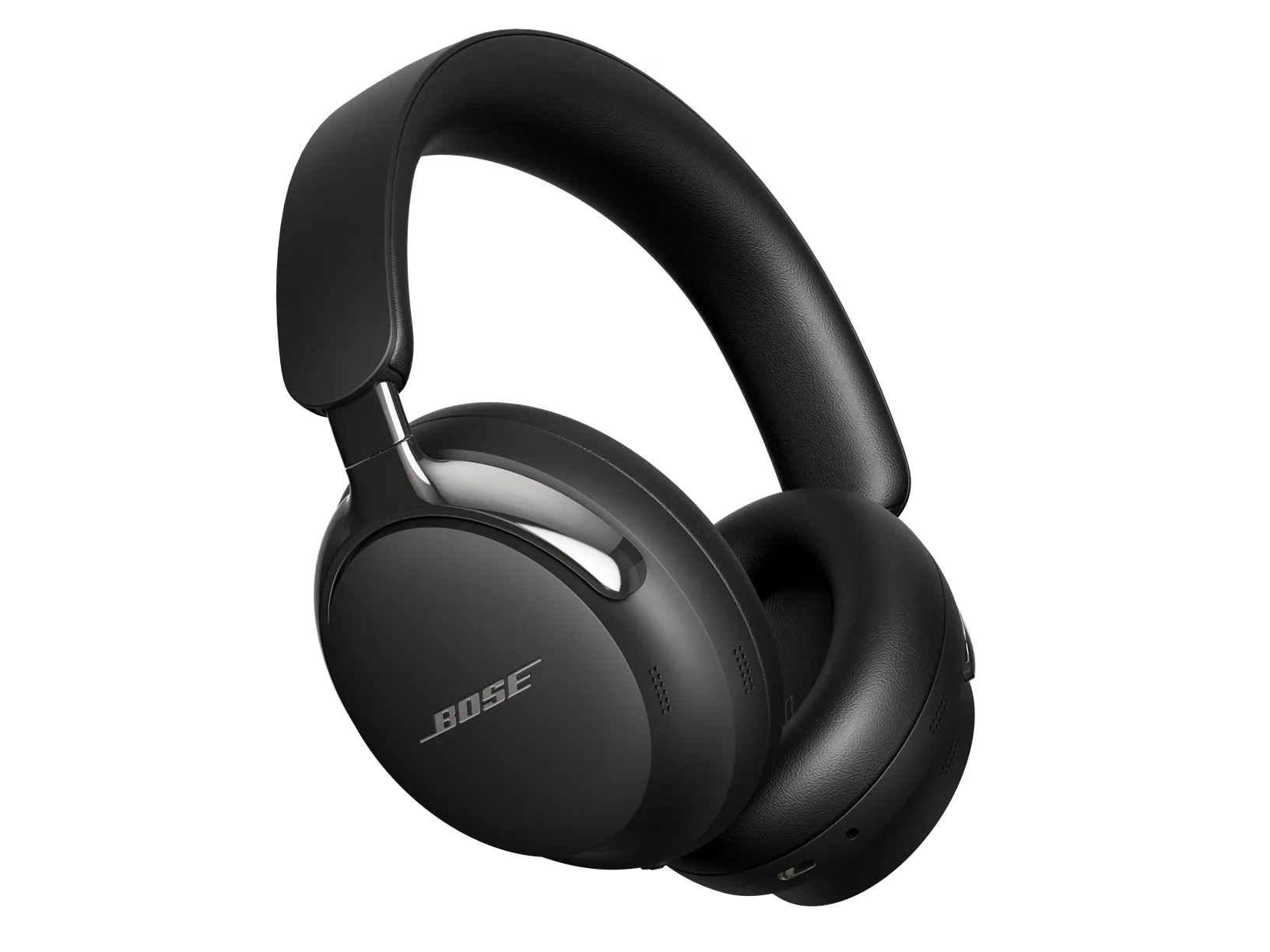
Kopfhörer aufladen | Bose QuietComfort Ultra Headphones (2nd Gen)
bose-quietcomfort-ultra-headphones-(2nd-gen)
Bose QuietComfort Ultra Kopfhörer (2. Gen.)Verkauft von 2025

Kopfhörer aufladen | Bose QuietComfort Ultra Headphones (2nd Gen)

To charge the headphones:

  1. With the headphones off your head, connect the small end of the USB cable to the USB-C port on the left earcup. NOTE: The headphones won’t charge when they are on your head and connected to an external power source.
  2. Connect the other end to a USB power source such as a computer or wall charger. The headphones begin charging, and the status light glows solid amber. When the headphones are fully charged, the status light glows solid white.


Charging time

  • Allow up to 3 hours to fully charge the headphones. 
  • Depending on the following settings, a full charge powers the headphones for up to:
    Noise CancellationImmersive AudioPlayback Time
    OffOff45 Hours
    OnOff30 Hours
    OnOn23 Hours
  • When the headphone battery level is low, a 15-minute charge powers the headphones for up to 3 hours (up to 2 hours with Immersive Audio enabled).


Hear the battery level

Each time you power on the headphones, a voice prompt announces the battery level. When the headphone battery is low, you hear “Battery low.”
NOTE: To visually check the battery, see the status light located on the left earcup.
TIP: You can also hear the battery level using a shortcut. The battery level must be set as a shortcut using the Bose app.

Wenn Sie das Gerät über Nacht aufladen, wird der Akku nicht überladen.

Lithium-Akkus verfügen über eine integrierte Abschaltautomatik, die aktiviert wird, sobald eine vollständige Ladung erreicht ist, um ein Überladen des Akkus zu verhindern. Auch wenn der Akku weiterhin am Ladegerät angeschlossen ist, muss der Ladestand erst unter einen bestimmten Wert fallen, damit der Ladevorgang erneut startet.