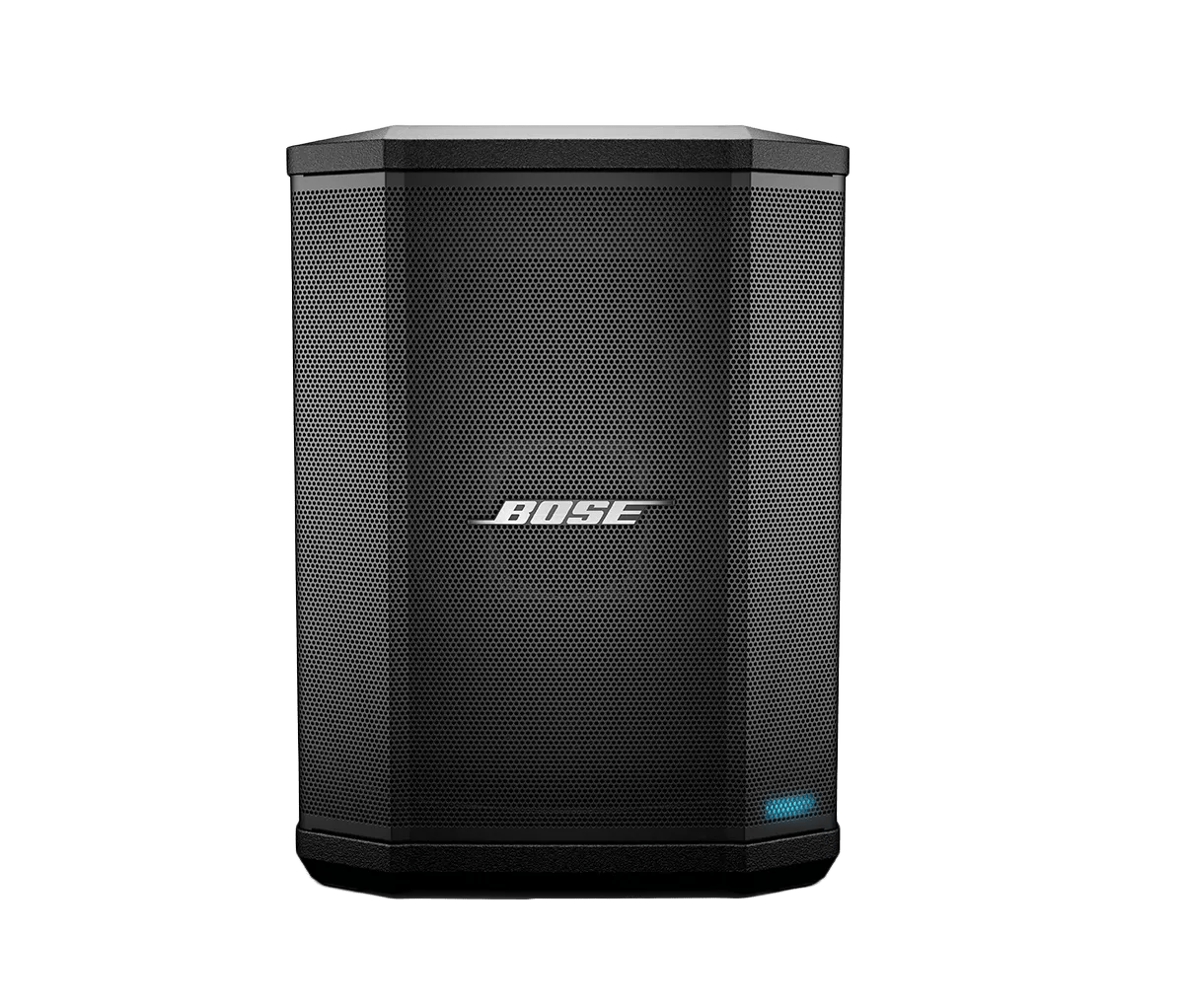
Entkoppeln eines Bluetooth-Geräts mit der Bose Connect App | S1 Pro Portable Bluetooth® speaker system
s1-pro-portable-bluetooth®-speaker-system
S1 Pro Portable Bluetooth® speaker systemVerkauft von 2018 - 2024

Entkoppeln eines Bluetooth-Geräts mit der Bose Connect App | S1 Pro Portable Bluetooth® speaker system

Ein Gerät mit der Bose Connect App entkoppeln:

  1. Öffnen Sie die App und warten Sie, während sie nach verfügbaren Bose Bluetooth®-Produkten sucht. Bluetooth®- Produkten

    \"\"

  • Wischen Sie auf dem Produktbild des Bose Bluetooth®-Produkts, das Sie trennen möchten, nach oben. (Hinweis: Wenn Sie mehr als ein Bose Bluetooth®-Produkt haben, wischen Sie nach links oder rechts, um es zu finden) Bluetooth®- Produkt haben, wischen Sie nach links oder rechts, um es zu finden)

    \"\"

  • Wählen Sie in der angezeigten Eingabeaufforderung "TRENNEN" aus, um die Verbindung des Bose Bluetooth®-Produkts zu trennen.' Bluetooth®- Verbindung

    \"\"
Weitere Informationen zum Koppeln eines Geräts finden Sie unter Ein Bluetooth®-Gerät verbinden.

Un-pair a device using the Bose Connect app:

  1. Open the app and wait while it searches for available Bose Bluetooth products


  • Tap the Settings icon in the upper right-hand corner of the screen.


  • In the Settings menu, scroll down and tap DISCONNECT.


For info on pairing a device, see Connecting a Bluetooth® device