Stellen Sie sicher, dass sich das Funkgerät in Reichweite der Basisstation befindet.
Das an das eHeadset angeschlossene schnurlose Gerät verfügt über eine Reichweite von 30 bis 50 m von seiner Basisstation. Wenn sich das Funkgerät außerhalb der Reichweite befindet oder Interferenzen zwischen dem Funkgerät und der Basisstation auftreten, kann das Mikrofon oder die Kommunikation beeinträchtigt oder unterbrochen werden. Versuchen Sie, das Funkgerät näher an die Basisstation zu bringen.
Turn off the Acoustic Noise Reduction.
In high-noise environments or when speaking too loudly into the microphone, sound passing through the microphone can become distorted since the signal is also boosted by the active electronics in the headset
Turn off the power switch to disable ANR and use the headset passively. If the issue is resolved, use the headset passively until volume levels near the microphone are reduced
Schließen Sie ein anderes Paar Kopfhörer an.
Schließen Sie ein weiteres Paar Kopfhörer an das Audiogerät an, um herauszufinden, ob das Problem am Gerät oder an dessen Einstellungen liegt.
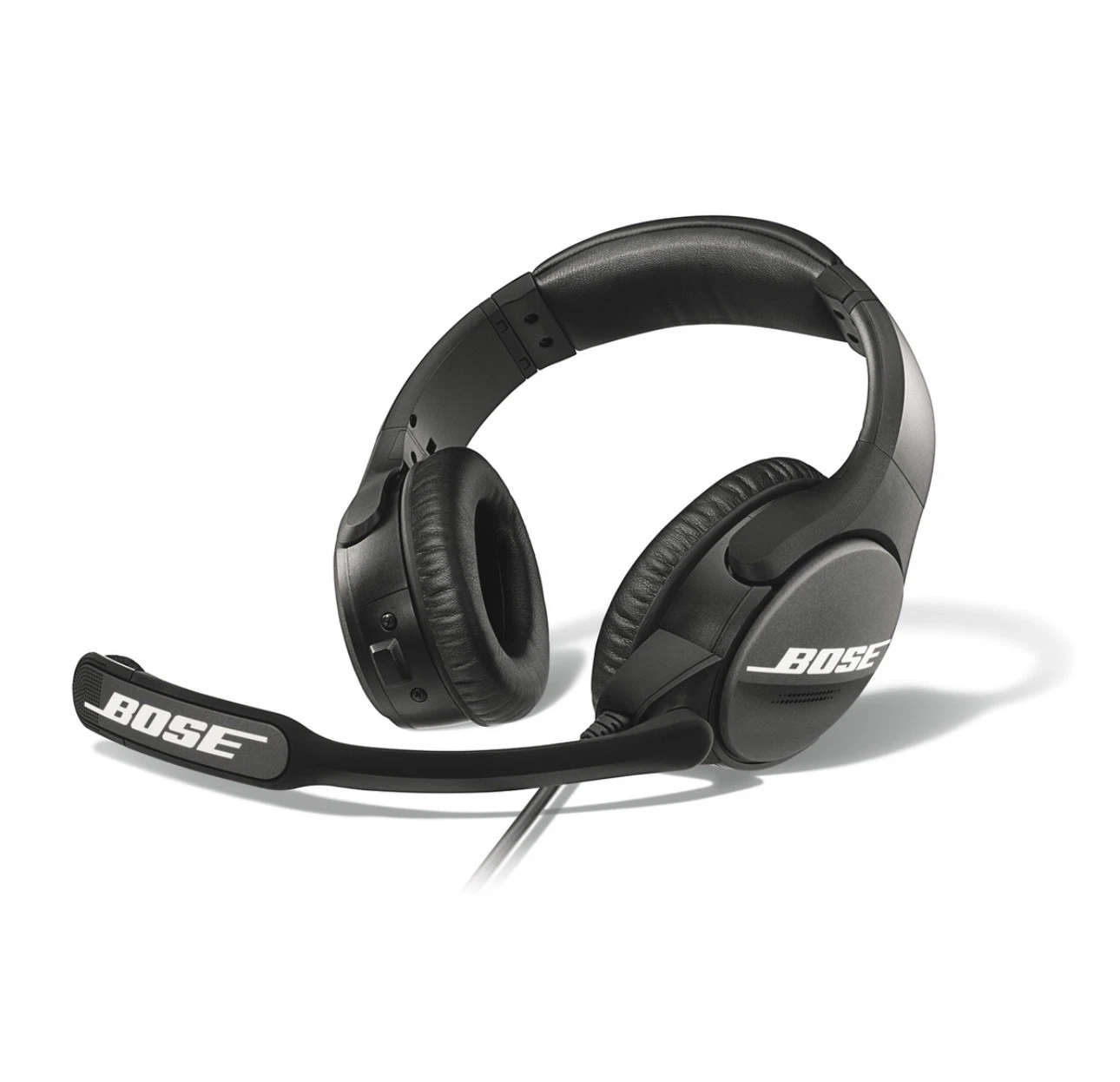
Check the position of the microphone.
Microphone placement is important for clear communication. With the headset on your head, make these adjustments:
- Grasp the boom with your fingers and move the microphone so it is level with your mouth
- Position the microphone a 1/2" from your mouth with the Bose logo facing away from your mouth
Note: If speaking at elevated volume, the mic might need to be moved further from the lips to avoid distortion. As the mic is moved farther away, more background noise will be picked up by the mic. For clearest communication, the steps above are recommended while using a normal speaking voice.
Check to see if the sidetone can be heard clearly.
If there is no problem hearing the sidetone then the issue is not with the headset. Check the radio settings