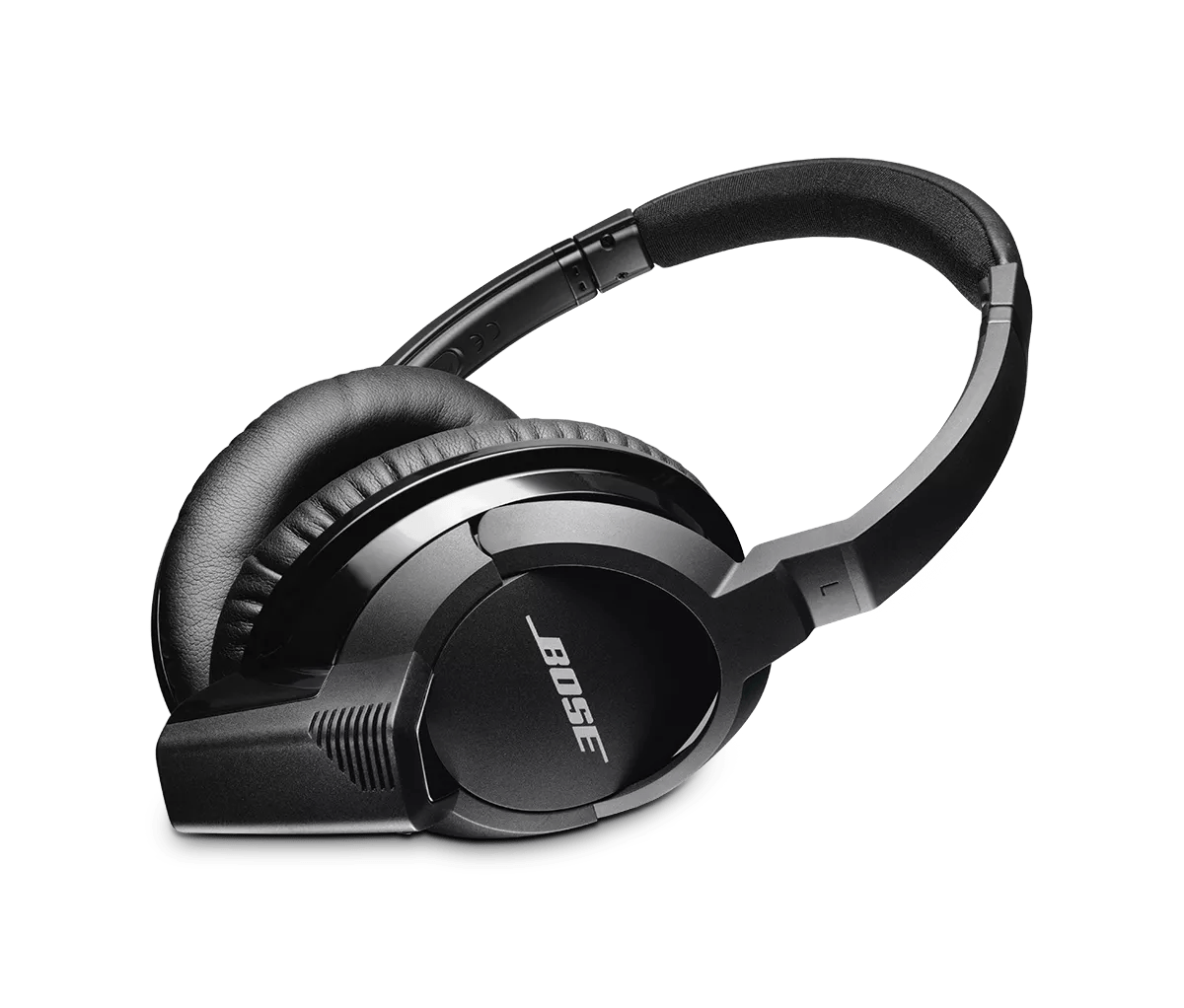
Aktualisierung der Software oder Firmware Ihres Produkts | SoundLink® around-ear headphones
soundlink®-around-ear-headphones
SoundLink® around-ear headphonesVerkauft von 2013 - 2015

Aktualisierung der Software oder Firmware Ihres Produkts | SoundLink® around-ear headphones

Aktualisieren Sie Ihre Kopfhörer.

Sie benötigen:

  • Ihre Kopfhörer
  • USB A auf USB micro B Kabel
  • Internetverbindung
  • Ein Computer, auf dem macOS 10.14 oder früher oder Windows ausgeführt wird

Installieren Sie das Update

  1. Laden Sie die Anwendung Appropriat Updater herunter:
  2. Öffnen Sie die heruntergeladene Datei, um das Aktualisierungsprogramm auszuführen
  3. Befolgen Sie die Anweisungen im Updater.

Holen Sie sich Hilfe, wenn das Update sich nicht installieren lässt.

Wenn Sie Probleme bei der Installation des Updates für Ihr Produkt haben, siehe Software- oder Firmware-Update lässt sich nicht installieren.

Häufig gestellte Fragen

How do I check the firmware version?

To check the software version:

  1. Connect your product to a Bluetooth device. For more info, see Connecting a Bluetooth device.
  2. In the Bluetooth settings of the device, find SoundLink AE or Bose AE2w: The digits that follow are the firmware version (i.e. Bose AE2w 00.07.00 is a product with version 00.07.00)
Welche Aktualisierungen sind für mein Produkt verfügbar?

SoundLink Around Ear Headphones Firmware Versions

Release DateVersionRelease Notes
15 Mar 2018

2.5.1


  • Improves Music Share performance
  • Resolves iOS ringtone volume playing louder than expected
  • General stability improvements
5 Aug 2013

01.02.00


  • Resolves poor call performance when battery is low
10 May 2013

01.01.01


  • Improved volume level syncing
7 May 2013

1.00.00


  • Initial release