War das hilfreich?


The Bose app asks for Bluetooth access when you first install it. To check if you have the correct permissions:
If you cannot locate these permissions, simply uninstall and reinstall the app, then allow Bluetooth access when prompted during setup.
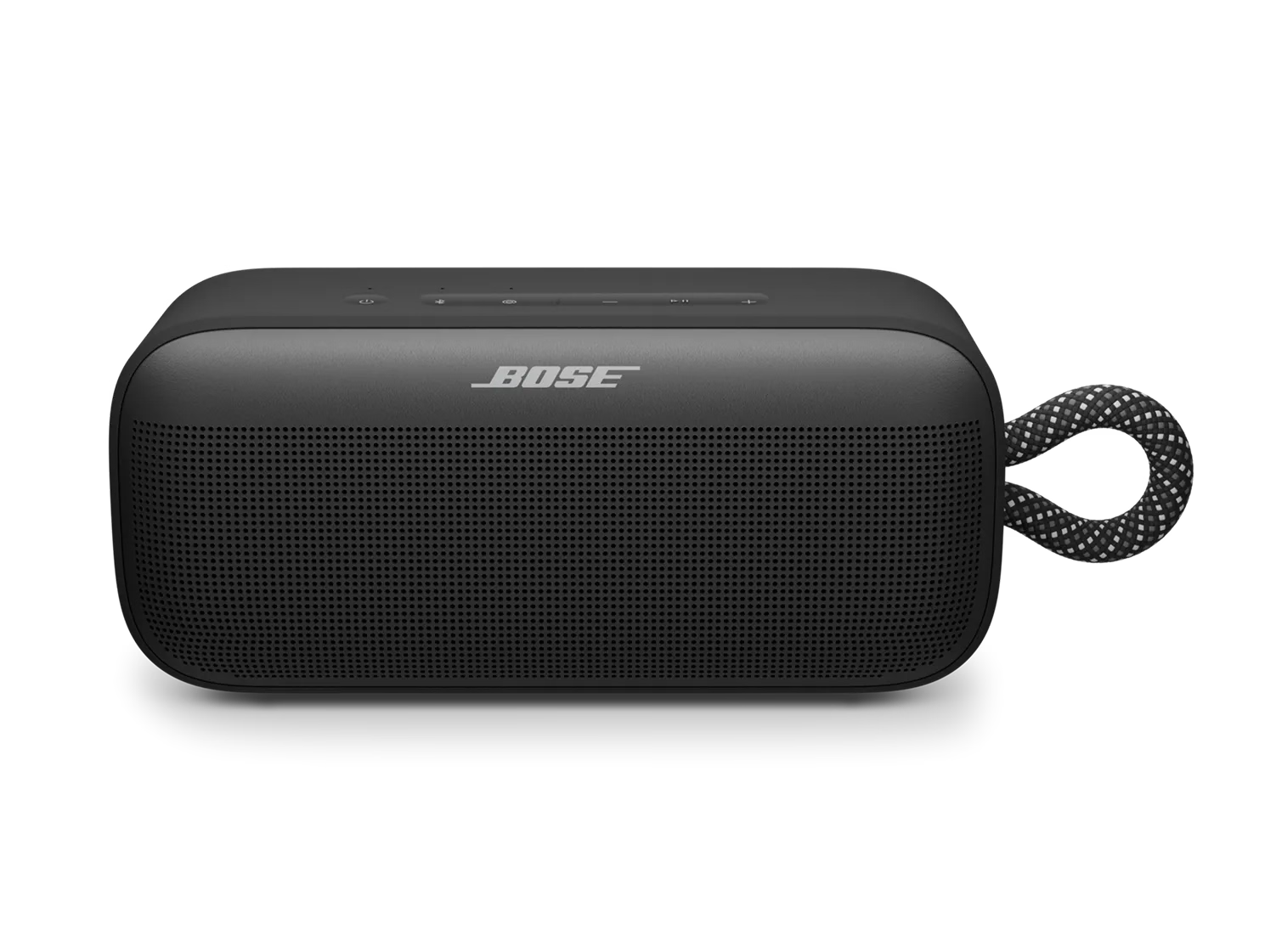
Das Zurücksetzen aktualisiert die internen Einstellungen Ihres Lautsprechers und kann kleinere Probleme beheben.
Ihre zuvor verbundenen Geräte werden nicht entfernt.
Starten Sie Ihr Gerät (Smartphone, Tablet oder Computer) neu, indem Sie es für 30 Sekunden ausschalten und anschließend wieder einschalten, um vorübergehende Bluetooth- oder Audioprobleme zu beheben.
Unabhängig davon, welches Problem Sie mit Ihrem Produkt haben, führen Sie ein Update durch. Besuchen Sie btu.Bose.com und befolgen Sie die Anweisungen, um sicherzustellen, dass Ihr Produkt über die neuesten Funktionen und Verbesserungen verfügt.
Restoring to factory settings can resolve persistent issues. To restore your speaker to its original settings:
Important: This will erase all settings and return your speaker to its factory state. You will need to remove the speaker from your personal device's (phone, tablet, or computer) Bluetooth list and reconnect it.

