War das hilfreich?
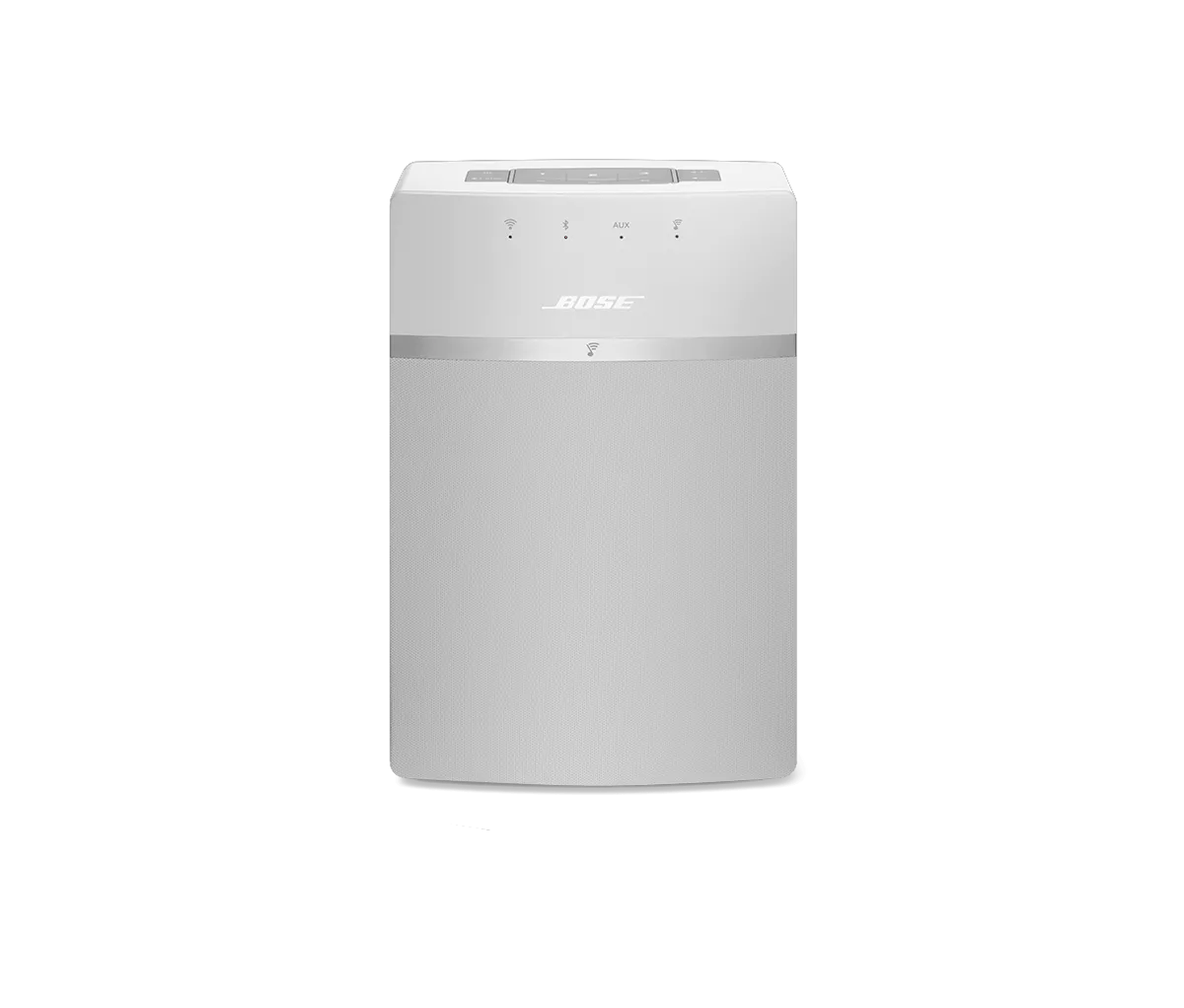
Determining the MAC address | SoundTouch® 10 wireless speaker
To obtain the MAC address of the system using a tethered USB connection, follow these steps:
- In the SoundTouch computer app, begin the setup process (Settings > Add or Reconnect System)
- When you reach the "Connect to home Wi-Fi network" screen, choose "System Information" to view the system's MAC address
To obtain the MAC address of the system using a tethered USB connection, follow these steps:
- Connect a USB cable from your computer to the SoundTouch system
- On a desktop/laptop computer, open a browser and go to http://203.0.113.1:8090/info
- The following info will be shown:
- System Name
- System Type
- SoundTouch Account Number
- Firmware Version
- SCM Serial Number
- System Serial Number
- SoundTouch Controller Information (if connected)
- SCM Information (MAC Address, Serial Number)
- SMSC Information (MAC Address, Serial Number)
So zeigen Sie die MAC-Adresse des Produkts in der SoundTouch-App an:
- Im SoundTouch App-Menü tippen Sie auf Einstellungen
Tipp: Um das App-Menü zu öffnen, tippen Sie auf das Menü-Symbol ☰ in der oberen linken Ecke
- Tippen Sie auf Info, und wählen Sie dann ein System aus
Der Bildschirm Lautsprecher-Details zeigt Informationen zum ausgewählten System an.
To find the MAC addresses of a newer SoundTouch system when its not connected to a network, follow these steps:
- Place the system in setup mode and connect a device to the Bose setup network.
- On the speaker's button pad, press and hold 2 and Volume – until the Wi-Fi indicator glows amber.
- Open the SoundTouch app on the connected device and go to Menu > Settings > Speaker Settings and select the system.
- Select CONNECT TO A WI-FI NETWORK and find the Bose setup network.
- Determine the IP address using a method below:
- Retrieve network info or run ipconfig/ifconfig from a computer.
- Click on the “i” icon in iOS settings.
- Once connected in Android, click on the network name. An Android device will show the phone or tablet’s IP address, so the router address will be the same first three octets, the fourth octet will need to be changed to .1
- Once the system’s IP address has been determined, open a web browser and point it at [IP address]:8090/info
- The page that loads will contain both MAC addresses for the system.