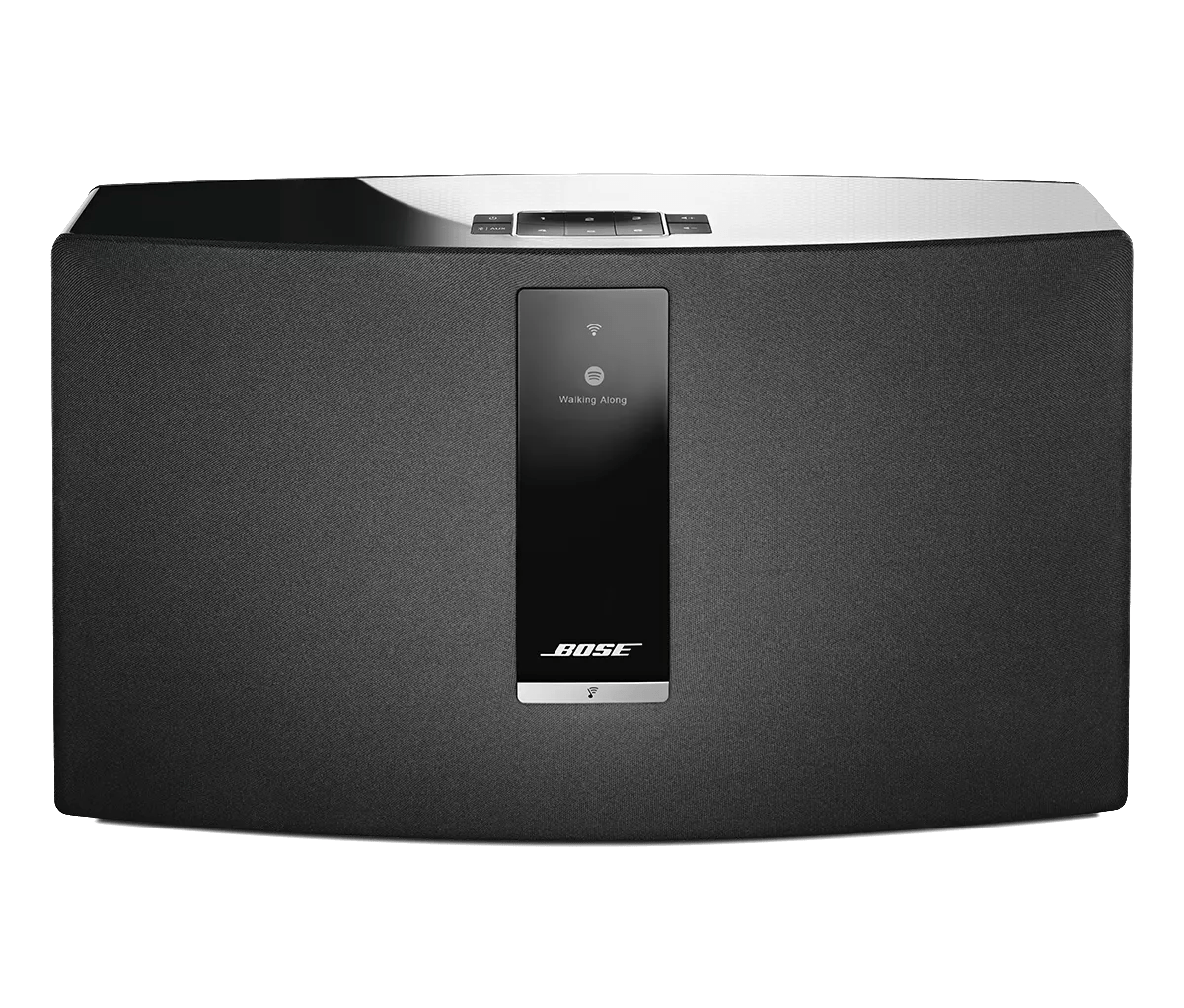
Using SoundTouch with SmartThings | SoundTouch® 30 series III wireless speaker
soundtouch®-30-series-iii-wireless-speaker
SoundTouch® 30 series III wireless speakerVerkauft von 2015 - 2020

Using SoundTouch with SmartThings | SoundTouch® 30 series III wireless speaker

Integrating SmartThings with SoundTouch systems:

If you own a SmartThings Hub, you can use it to control your SoundTouch systems. SmartThings works with a variety of smart home devices to offer additional control and automation of those devices. Here are some of the ways SmartThings can integrate with your SoundTouch systems:
  1. Set an alarm or notification to sound through your SoundTouch speaker at a certain time
  2. Have your favorite playlist start on your speaker you enter the room
  3. Turn off all your speakers when you leave home
  4. Have your speakers adjust their volume at a certain time of day
  5. Use the SmartThings app or compatible SmartThings controllers — like switches or motion sensors — to control your speakers
  6. If you own a SoundTouch 10, 20 series III or 30 series III system, SmartThings can use your system to play custom voice notifications, common notification sounds — like alarms or doorbells — and your local weather forecast
To get started:
  1. Purchase a SmartThings Hub and connect it to your network
  2. Download and install the SmartThings app from your mobile device's app store
  3. In the SmartThings app, select Automation > SmartApps > Add a SmartApp
  4. Scroll to and select Music and Sounds
  5. Select Speaker Companion SmartApp
To add a SoundTouch system to SmartThings:
  1. In the SmartThings apps, select "My Home"
  2. Under things, choose "Add a Thing"
  3. When the app finishes searching for devices, select the desired device from the list of detected devices
  4. Tap the device to rename it, if desired
  5. Choose "Save"
To remove a SoundTouch system from SmartThings:
  1. In the SmartThings apps, select "My Home"
  2. Select "Things"
  3. Select the system to remove
  4. Choose the gear icon
  5. Choose "Edit device"
  6. Choose "Remove"
To control SoundTouch system playback with SmartThings:
  1. In the Speaker Companion SmartApp, follow the app instructions for choose actions and action triggers (Note: Available actions and triggers are based on the capabilities of the components in the SmartThings ecosystem)


For more info on SmartThings, visit support.smartthings.com