War das hilfreich?
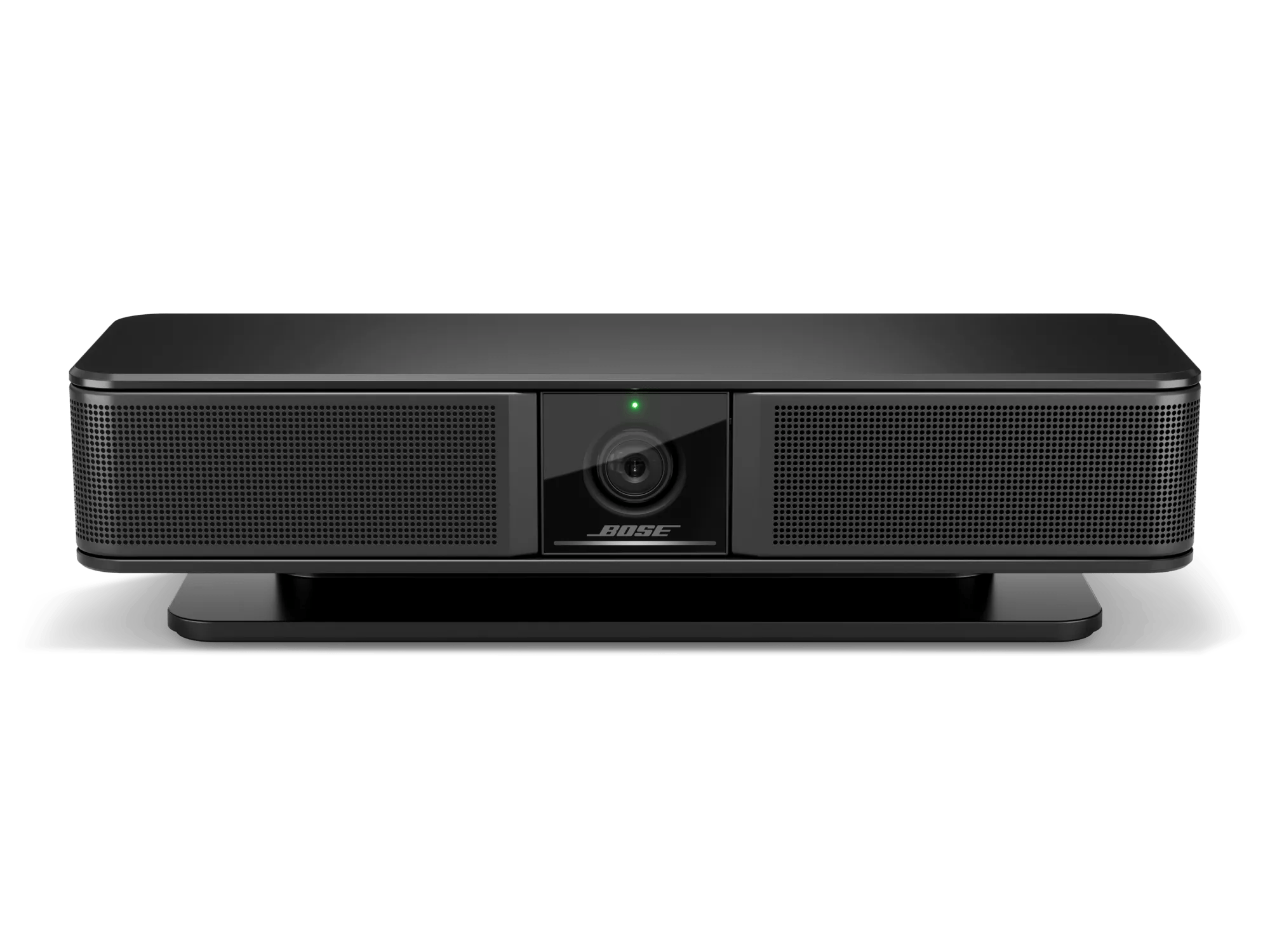
Zurücksetzen Ihres Produkts | Bose Videobar VB-S
Möchten Sie Ihr Produkt zurücksetzen oder die Werkseinstellungen wiederherstellen?
- Zurücksetzen: Ein Zurücksetzen behebt kleinere Fehler im Prozessor. Sofern nicht anders angegeben, bleiben die Produkteinstellungen bei einem Zurücksetzen erhalten.
- Auf Werkseinstellungen zurücksetzen: Dadurch wird Ihr Produkt auf die Werkseinstellungen zurückgesetzt. Sofern nicht anders angegeben, werden alle Einstellungen gelöscht und auf den ursprünglichen Auslieferungszustand zurückgesetzt. Danach kann Ihr Produkt wie bei der erstmaligen Einrichtung konfiguriert werden.
To reset the videobar using the on-board controls:
- Disconnect the power cord from the videobar.
- When power is reconnected, wait 30 seconds for the system to reboot.
To reset the videobar to its factory default settings using the on-board controls:
- Press-and-hold the Mute button and the Bluetooth button on the videobar simultaneously for five seconds.
- The light bar will pulse white repeatedly. The lights will then move outward from the center until the whole light bar is lit solid white and then turn off in the same pattern. When this process is completed, the videobar will restart with its factory default settings.
To reset the videobar to its factory default settings using the remote control:
- Press-and-hold the Home button and Autoframe buttons simultaneously for five seconds.
- The light bar will pulse white repeatedly. The lights will then move outward from the center until the whole light bar is lit solid white and then turn off in the same pattern. When this process is completed, the videobar will restart with its factory default settings.