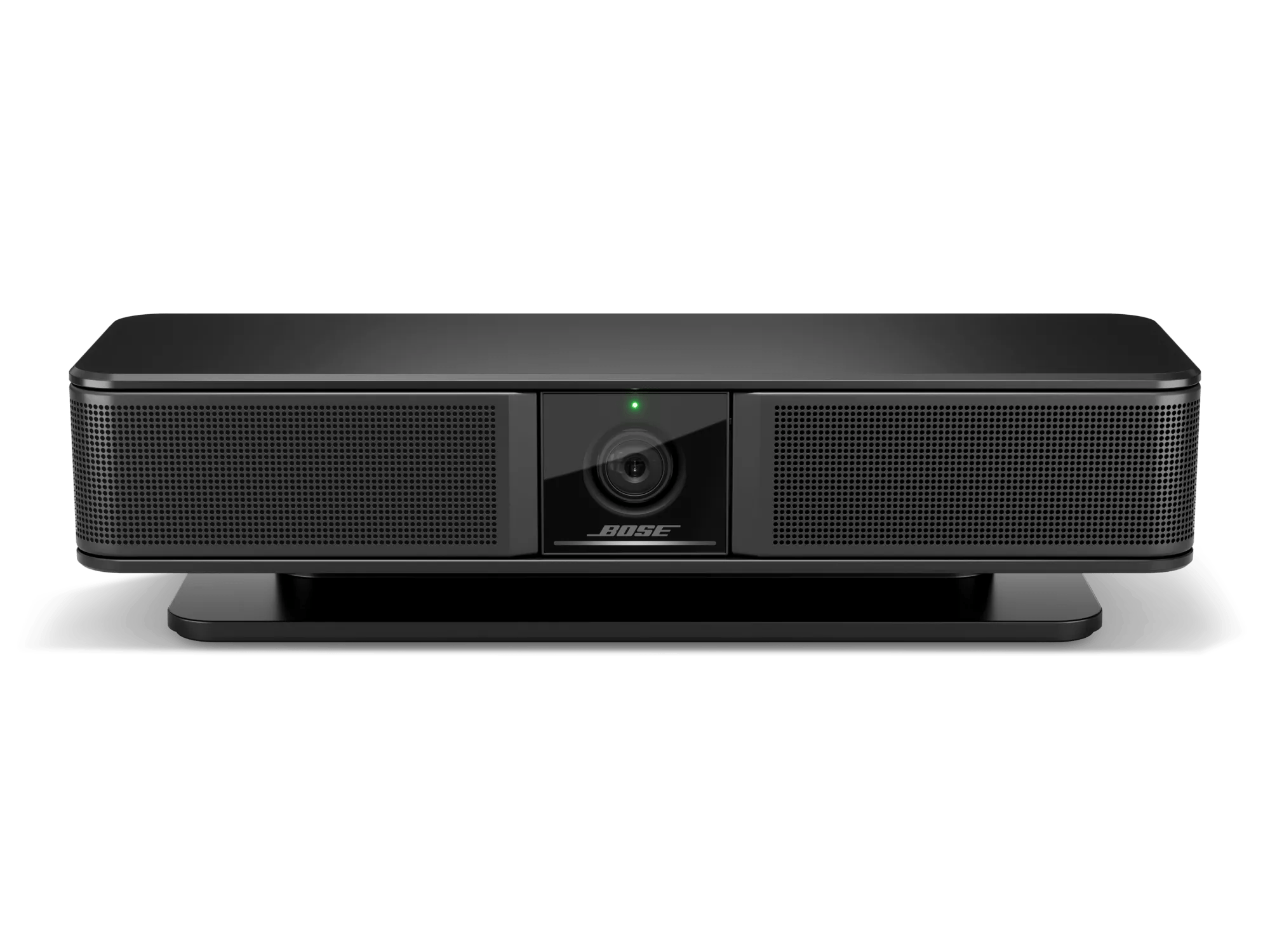
So aktualisieren Sie die Software oder Firmware Ihres Produkts | Bose Videobar VB-S
bose-videobar-vb-s
Bose Videobar VB-SVerkauft von 2022 - 2023

So aktualisieren Sie die Software oder Firmware Ihres Produkts | Bose Videobar VB-S

Prüfen Sie die Firmware-Version Ihres Produkts.

Anweisungen finden Sie unter Überprüfen der Software- oder Firmware-Version.
Um festzustellen, ob es sich um die neueste Version handelt oder eine neuere Version verfügbar ist, finden Sie weitere Informationen unter Software- und Firmware-Versionen.

Wählen Sie eine der untenstehenden Aktualisierungsmethoden aus:

Verwendung der Videobar-Konfigurationsanwendung

To update the system using the Videobar Configuration application:

  1. Connect your computer to the USB-C to PC port on the Videobar.
  2. Open the Videobar Configuration application.
  3. Click on the Administration icon in the lower-left corner.
  4. Enter the administrator password and click on the Sign In button. The factory default administrator password is Bose123!.
  5. Click on the Configuration tab on the left.
  6. The Firmware screen provides the currently installed firmware version number. If a newer version of firmware is available, a message is provided on the screen.
  7. Click on the Install button to initiate the install of the firmware.
    • A pop-up window within the Videobar Configuration application will display the progress of the update
    • The light bar will show a white light progressing from left to right (indicating an update is installing)
    • When complete the system will reboot automatically
Using the Videobar Configuration Web User Interface

To update the system using the Videobar Configuration Web User Interface:

  1. Determine the IP address for your product.
  2. On a computer, open an Internet browser and type the IP address for your product.
  3. Enter the administrator password and click on the Sign In button. The factory default administrator password is Bose123!.
  4. Click on the Configuration tab on the left.
  5. The Firmware screen provides the currently installed firmware version number. If a newer version of firmware is available, a message is provided on the screen.
  6. Click on the Install button to initiate the install of the firmware.
    • A pop-up window within the Videobar Configuration application will display the progress of the update
    • The light bar will show a white light progressing from left to right (indicating an update is installing)
    • When complete the system will reboot automatically
Verwendung der Videobar-Administrationsanwendung

So aktualisieren Sie das System über die Videobar Administration-Anwendung:

Mit der Videobar Administration-Anwendung können Sie die Firmware eines einzelnen oder mehrerer Geräte gleichzeitig aktualisieren.
  1. Öffnen Sie die Videobar Administration-Anwendung.
  2. Alle VB1-Systeme, die mit demselben Netzwerk wie der Computer verbunden sind, werden in der Gerätelisteangezeigt.
  3. Aktivieren Sie das Kontrollkästchen links neben dem Gerätenamen für die Systeme, die Sie aktualisieren möchten, und klicken Sie dann auf die Schaltfläche FW aktualisieren .
  4. Ein Dialogfeld Firmware aktualisieren wird angezeigt und gibt die aktuell installierte Firmware-Version und die zur Installation verfügbare Version an.
  5. Klicken Sie auf die Schaltfläche Installieren x (wobei x die Versionsnummer der zu installierenden Firmware ist)
    • Wenn die aktuell installierte Firmware-Version die neueste ist, wird das Dialogfeld weder die Schaltfläche „Installieren x“ anzeigen noch darauf hinweisen, dass eine Version verfügbar ist.
  6. Ein Dialogfeld Firmware-Update bestätigen wird angezeigt. Klicken Sie auf Installieren x , um mit dem Firmware-Update fortzufahren, oder auf Abbrechen , um den Vorgang zu beenden.
    • Ein Fenster mit dem Fortschritt des Firmware-Updates erscheint im unteren linken Bereich der Videobar-Administrationsanwendung.
    • Die Lichtleiste zeigt ein von links nach rechts wanderndes weißes Licht an (das anzeigt, dass ein Update installiert wird).
    • Nach Abschluss startet das System automatisch neu.